Airtel: Recharge, Bank & Loans
- 4.0
- Rating
- 500.00M
- Installs
- Free
- Price

 Analysis by App-foxy
I found Airtel: Recharge, Bank & Loans most useful when I treated it as a practical money-and-services hub rather than as a complete replacement for every financial app on my phone. It brings airtel account management, recharges, bill payments, UPI, rewards, and financial services into one place, which can remove a surprising amount of everyday friction. My overall view is positive, but with an important qualification: its convenience depends heavily on whether you already use Airtel services and whether you prefer having several money tasks inside one large app.
The app is developed by Airtel and is free to install, with an Everyone age rating. It has grown into a very widely used Android finance app, passing 500 million installs and holding an average rating of 4.0 from around 7.9 million ratings. Those figures do not automatically make it right for everyone, but they do reflect how familiar it has become for people who want to handle routine telecom and payment tasks from one screen.
What Airtel does well in everyday use
The strongest part of the experience is the way it connects tasks that often happen together. I can imagine opening it to recharge a mobile number, check an Airtel account, pay a household bill, send money through UPI, and then look for a reward without switching between unrelated services. That flow makes more sense than treating each action as a separate job, especially for someone who already receives mobile service from Airtel.
In-Depth Coverage of Airtel: Recharge, Bank & Loans
Its finance category can sound broader than the actual day-to-day experience, so I would describe it as a practical service wallet with financial tools rather than a dedicated personal-finance manager. It is built around actions: paying, recharging, transferring, checking, and accessing available financial products. If your goal is to see detailed spending trends, build a sophisticated budget, or manage investments in one carefully focused workspace, a specialized finance app may feel more suitable.
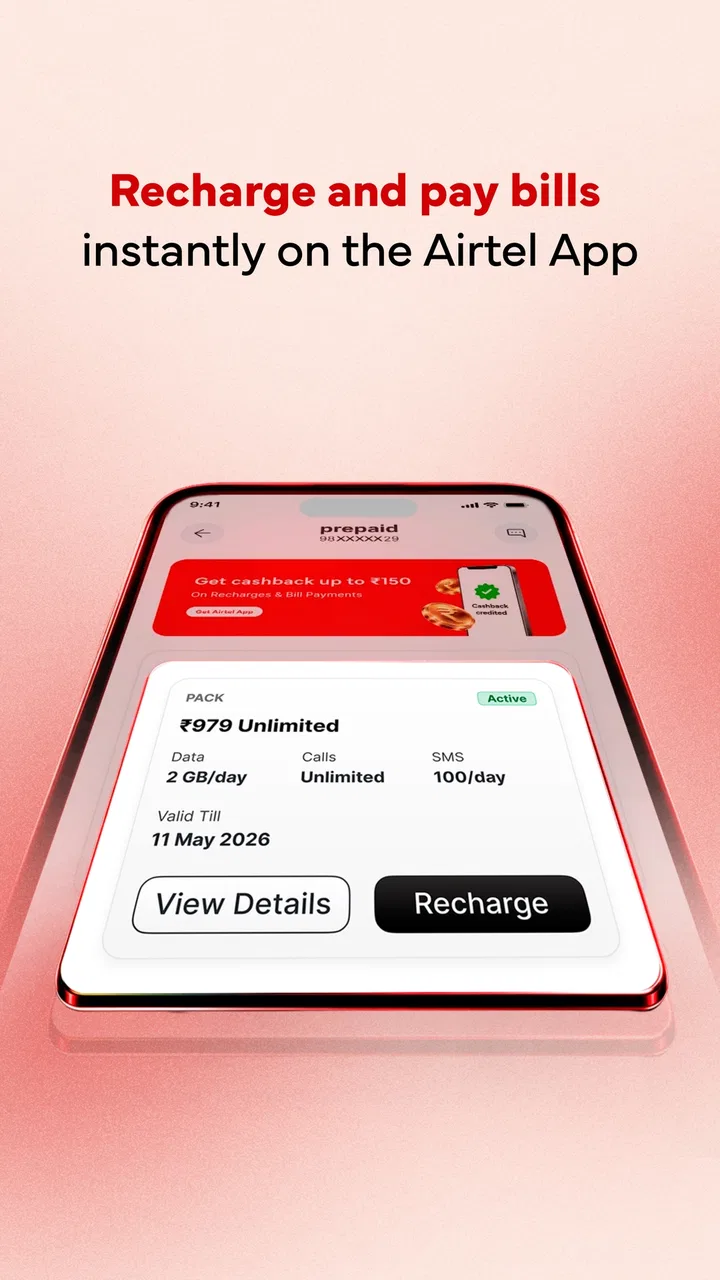
Recharge is the obvious starting point. Instead of searching for a plan through a browser or relying on a third-party payment app, I can use the service connected to the mobile account itself. That reduces one common source of mistakes: choosing the wrong number or having to move between an operator page and a payment screen. I would still check the selected number and plan before confirming, particularly when recharging a family member’s phone.
Bill payments are another reason the app can earn a regular place on a phone. The value is not that paying a bill is difficult elsewhere; it is that recurring chores are gathered beside mobile services. For a household where one person handles several Airtel connections and utility payments, that central location can be more useful than a general wallet that is mainly used for occasional transfers.
UPI adds a broader payment layer. In my experience, the important question is not simply whether an app supports UPI, but whether it makes the payment path easy to understand when I am in a hurry. Airtel’s advantage is the proximity of UPI to recharges and bills. A user can move from a payment task to a telecom task without opening another product. The trade-off is that the interface may feel busy to someone who only wants a clean, dedicated UPI screen.
The app is at its best when one visit solves several small errands. A realistic example would be a busy evening when I need to recharge my own phone, pay a bill, and send money to a relative. With separate apps, I would repeat sign-ins, navigation, and confirmation steps. Here, the combined design can make the routine feel more continuous. It is not a dramatic feature, but it is the kind of convenience that becomes noticeable after repeated use.
Where rewards fit into the experience
Rewards are a useful extra, but I would not choose the app solely because of them. They can make familiar activities feel a little more worthwhile, yet rewards are usually secondary to reliable payment completion. I prefer to think of them as a bonus attached to actions I already intended to perform, not as a reason to spend more or change my financial habits.
A sensible workflow is to complete the payment first and review any reward information afterward. That keeps the decision focused on the bill, recharge, or transfer itself. It also helps avoid a common mistake with reward-led apps: chasing a benefit while overlooking the actual terms of the transaction. The app is more useful when rewards stay in the background instead of driving every choice.
Banking and loan tools need a more careful reading
The banking and loan side makes the app more ambitious than a basic recharge utility. I see that as convenient for users who want to explore financial services from the same account area, but it also calls for more attention. A loan is not just another checkout option. Before accepting anything, I would examine the repayment amount, timing, eligibility conditions, and the identity of the financial provider shown in the relevant flow.
You May Also Like

 AliExpress - Shopping App
AliExpress Makes Global Shopping Feel Personal, but Shoppers Bear the Risk
AliExpress turns a global marketplace into a pocket-sized discovery engine. Its reach is useful, its shopping loop compelling, and its trade-offs easy to miss.

 Lords Mobile: Kingdom Wars
Lords Mobile Is a Kingdom-Building Routine, Not a Quick Match
A case-by-case verdict on the building, battles, device demands, and social commitments that make Lords Mobile rewarding for some players and exhausting for others.

 PDF Scanner app - TapScanner
TapScanner Makes Paperwork Easier to Capture, Check, and Share
TapScanner makes scanning with a phone feel less like a rescue operation and more like a dependable step in getting work done. Its capture tools are useful, though not flawless.

 Block Blast!
 Shows How Much a Puzzle Game Can Leave Out
A quiet grid game shows why puzzle players increasingly value instant clarity, repeatable skill and low-pressure play—and where the genre still needs to catch up.

 Family Space
 Review: A Shared Routine That Makes Family Life Easier
A parenting app earns its place not by adding more noise, but by making everyday coordination easier. Family Space gets that balance mostly right.

 1Weather Forecasts & Radar
 Makes the Daily Check Worthwhile
A good forecast does more than predict rain. This week's pick turns changing conditions into a clear, practical reason to check before you step outside.
More From Our News Desk
View All News


This is one area where a dedicated banking app or a direct lender channel may be better for comparison. Airtel can provide a convenient starting point, but convenience should not replace reading the actual terms. I would use the app to investigate an available option, then compare it with alternatives before making a commitment. That is especially important for borrowing, where a fast application is not necessarily the most affordable choice.
The same caution applies to banking features. A combined app can be helpful for basic access and payments, but people who need detailed account controls, extensive statements, or a full banking toolkit may prefer their bank’s own application. Airtel’s strength is bringing several connected services together; it is not automatically the deepest tool in every financial category.
The main weakness is breadth without perfect focus
My biggest reservation is the amount of material the app has to accommodate. Recharges, bills, UPI, rewards, banking, and loans serve different purposes, so the home experience can feel more like a service marketplace than a calm financial workspace. That is understandable, but it means new users may need a little time to learn where their most-used actions live.
People who want a minimal interface may find a single-purpose payment app easier. A specialized budgeting app will usually provide clearer spending analysis, while a bank app may offer more direct account management. Airtel wins when the user values consolidation. It is less compelling when the user wants one narrowly defined function performed with as few surrounding options as possible.
There is also a practical attention cost. When an app includes rewards and financial offers alongside essential payments, I have to distinguish between what I need now and what is merely being presented to me. My advice is to use the app with a fixed purpose: open it for a recharge, bill, transfer, or account task, complete that task, and only then browse optional sections. That habit keeps the convenience from turning into distraction.
Another limitation is that the app’s usefulness can vary according to a person’s existing relationship with Airtel. An Airtel customer may find the account and recharge features naturally relevant. Someone using another mobile network might still appreciate UPI or bill payments, but the operator-centered parts will have less value. In that situation, a neutral payment app could offer a more balanced home screen.
Who should use it, and who should look elsewhere
I would recommend Airtel: Recharge, Bank & Loans to Airtel customers who regularly manage recharges, bills, and payments for themselves or their family. It is also a good fit for people who prefer one familiar app over a collection of separate utilities. The free price makes it easy to try, and the Everyone rating makes it broadly approachable for ordinary household use.
It is particularly practical for someone who handles several recurring tasks but does not want a complex financial dashboard. For example, a parent managing a personal number and a child’s number can use the same service environment for recharges, then move to bill payment or UPI when needed. The advantage is not advanced financial planning; it is reducing the number of places where routine transactions happen.
I would be more hesitant to recommend it as the primary financial app for a person who wants detailed expense categorization, investment tracking, or a highly specialized banking experience. I would also suggest caution for anyone considering a loan simply because the option appears conveniently in the app. Compare first, read carefully, and treat borrowing as a separate decision from paying a bill.
Users who dislike promotional sections or prefer a very uncluttered interface may also be happier with a dedicated UPI or bank application. Likewise, if you rarely use Airtel services and already have a trusted payment setup, installing another broad app may not add enough value. The right choice depends less on the number of available tools than on how often those tools match your real routine.
Practical tips for getting more from the app
First, make the home screen work around your repeated actions rather than exploring every section at once. Identify whether your main reason for opening the app is recharge, bills, UPI, or account access, and build your habit around that path. This makes a broad app feel more focused and reduces the chance of selecting an optional product when you intended to complete a simple payment.
Second, use a deliberate confirmation pause. Before approving a recharge or transfer, check the recipient, number, amount, and payment method. The app’s all-in-one design is convenient, but it also means several transaction types may appear close together. A short pause is worthwhile when the same screen environment handles both small routine payments and more consequential financial actions.
Third, separate rewards from value judgments. If a reward appears, consider it after deciding that the underlying recharge or bill payment is appropriate. This keeps your spending based on need rather than on the possibility of receiving something extra. It is a small behavioral distinction, but it matters in an app that combines essential services with incentives.
Fourth, treat banking and loans as research areas before treating them as action buttons. Read the full information presented in the flow, compare alternatives, and save any relevant details for your own records. A unified app can make discovery easier, but it should not encourage rushed financial commitments.
Finally, keep your expectations realistic about what this app is designed to do. It can bring several useful services together, but it will not necessarily replace a bank’s complete account-management system or a dedicated budgeting tool. Using it alongside those specialized apps may produce a better setup than forcing one application to handle every financial need.
Version, availability, and longer-term value
The current Android version is 4.150.2 and supports Android 7.0 or later. That gives it a broad reach across older and newer Android phones, which is helpful for households where not every device is recent. Since this is a service app, keeping it updated is sensible: payment and account tools benefit from current software, even though I would still review each update’s changes before assuming the experience will remain identical.
Airtel has been available since July 7, 2016, and its large user base suggests that it is not an experimental side project. I would still judge it by my own daily needs rather than by popularity. A widely installed app can be useful and familiar while still being the wrong fit for someone who wants a narrow, distraction-free tool.
After using it as a combined service hub, my conclusion is that Airtel succeeds through convenience more than specialization. It saves effort when recharges, bills, UPI payments, and Airtel account tasks belong in the same routine. Its weaker side is the inevitable complexity of placing many financial and service options together, particularly for users who want a clean interface or deep controls in one category.
My final recommendation is straightforward: choose it if you are tied to Airtel services and value a single place for everyday transactions. Try another option if your priority is advanced budgeting, full banking depth, or a minimalist payment experience. For the right user, Airtel: Recharge, Bank & Loans is a useful everyday companion; for everyone else, it is best viewed as a convenient extra rather than an essential financial home.
FAQs for Airtel: Recharge, Bank & Loans
01What is Airtel: Recharge, Bank & Loans used for?
Airtel: Recharge, Bank & Loans is a multi-purpose financial and telecom app designed for Airtel customers. From the app, users can recharge prepaid numbers, pay selected bills, manage Airtel services, and access supported banking or loan-related features. The exact services available may depend on your country, Airtel account, eligibility, device, and current regional availability.
02Can I use the app to recharge mobile numbers and pay bills?
Yes, the app primarily allows users to recharge Airtel prepaid connections and, where supported, other eligible mobile services. It may also provide bill-payment options for services such as utilities, television, or broadband. Before confirming a transaction, carefully check the phone number, plan, amount, and payment method because completed recharges and bill payments may have limited cancellation or refund options.
03Are the banking and loan features available to everyone?
Not necessarily. Banking, wallet, money-transfer, savings, insurance, or loan services can be restricted by location, identity verification, age, account type, credit assessment, and regulatory requirements. A loan option shown in the app does not guarantee approval, a specific interest rate, or a particular borrowing limit. Review the lender’s terms, fees, repayment schedule, and privacy policy before accepting any offer.
04Is Airtel: Recharge, Bank & Loans safe to use?
The app is intended to provide secure access to Airtel services, but users should still take normal precautions when handling financial information. Download it only from an official app store, keep the application and operating system updated, and never share your PIN, OTP, password, or full payment details with anyone. Avoid completing transactions over unsecured public Wi-Fi and verify support messages carefully.
05What should I do if a recharge, payment, or transfer fails?
If a transaction fails, first check your internet connection and review the transaction history inside the app before trying again. Your bank or payment provider may temporarily hold the amount even when the service is not completed, so avoid making repeated payments immediately. Save the transaction reference, date, amount, and screenshots, then contact Airtel support through the official in-app help channels or your payment provider.
Pros
- Quick mobile
- DTH
- and broadband recharges from one app.
- Supports Airtel Payments Bank for convenient everyday transactions.
- Loan and credit services are accessible within the same platform.
- Recharge reminders help reduce the chance of missing due dates.
- Offers cashback
- discounts
- and promotional rewards on selected services.
Cons
- Some offers and rewards may be limited to eligible Airtel users.
- Loan approval
- interest rates
- and limits depend on individual eligibility.
- The app may promote Airtel products through frequent notifications.
- Banking features require identity verification and account setup.
- Performance can vary with network quality or during peak usage periods.

Airtel: Recharge, Bank & Loans
Gallery